Accessing WHM for Your Reseller Account

Need to log into WHM but don’t have the URL? It’s simple—just use your server hostname or domain with port 2087.
The WHM Login URL
Use one of these formats:
https://[server-hostname]:2087
https://[your-domain]:2087
Replace the brackets with your actual server hostname or domain name.
Example:
https://myserver.hosting.com:2087
https://myreseller.co.uk:2087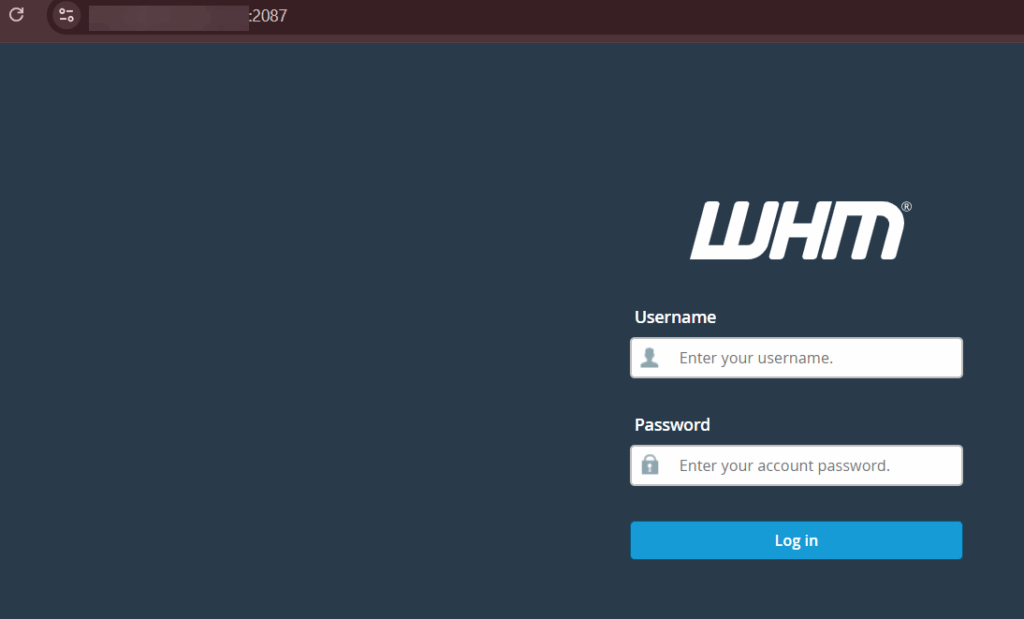
Don’t Know Your Hostname?
Check your welcome email or hosting details in portal.freethought.uk. Look for:
- Server hostname
- Assigned domain name
- Reseller username
Log into portal.freethought.uk and find the hosting section—the details are there.
Logging In
- Open the WHM URL above
- Enter your WHM username and password
- Click Log in
Forgot Your Password?
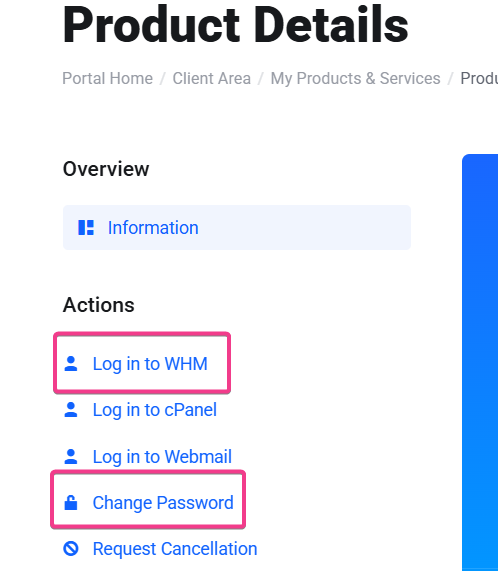
Don’t try to guess it. Reset it from portal.freethought.uk:
- Log into portal.freethought.uk
- Find the WHM Password Reset or Account Settings option
- Use it to reset your WHM password
- Log into WHM with the new password
Still Can’t Access?
If the WHM page won’t load at all:
- Make sure you’re using HTTPS (not HTTP)
- Check that you included :2087 at the end of the URL
- Contact support via www.freethought.uk/contact/ and provide your hosting username or domain name
Port 2087 is the key. Remember the port number and you can access WHM from anywhere.